
Never Let an Employee Certification Expire on Your Watch
Track every license and renewal with 90/60/30-day email alerts and audit-ready PDF reports. No LMS required.
What falls through without it
Expired certifications sit unnoticed until an audit or an incident
Spreadsheets miss the 90/60/30-day warning windows
No single view of who is expiring soon across your locations
Last-minute training scheduling creates coverage gaps and overtime
Audit prep means hours of manual file reconstruction
How it works.
Step 1
Step 1
Upload Your Certification Records
Load your employee list and upload certification files. Each record gets an expiry date and a status.
Step 2
Step 2
Read the Dashboard
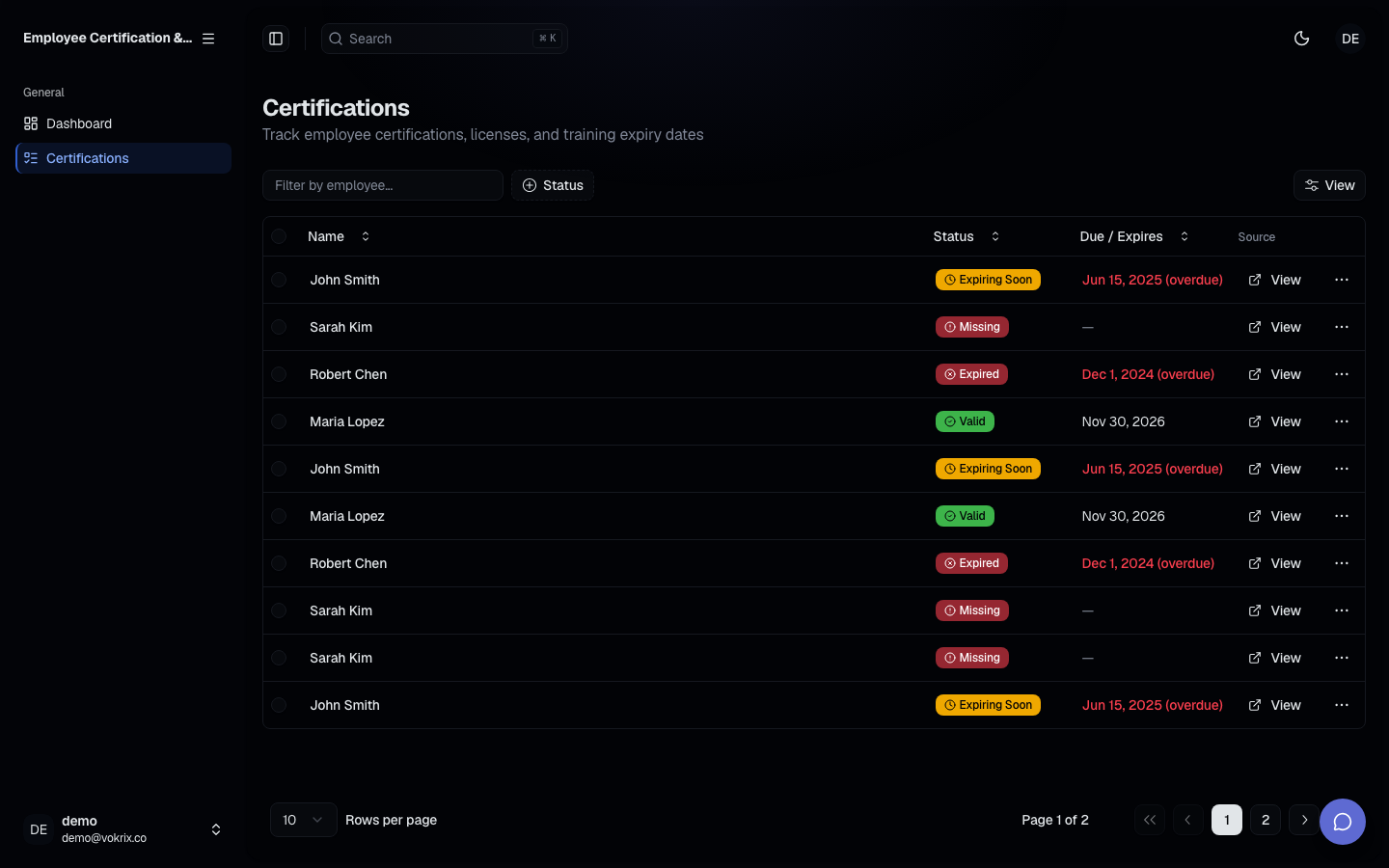
Certifications sort by severity - current, expiring in 90, 60, or 30 days, and expired - so you always see what needs attention first.
Step 3
Step 3
Act on the Alerts
Scheduled email alerts arrive at 90, 60, and 30 days. Renew, reschedule, and export an audit-ready PDF report.
What you get.
Catch Every Expiry Early
Alerts land at 90, 60, and 30 days, so you schedule renewals long before they become emergencies.
One View Across Every Location
See current, expiring, and expired certifications for every employee in one dashboard.
Audit-Ready in Minutes
Generate a PDF report of every certification and date. No folder digging, no file reconstruction.
Built for Teams Without an LMS
Upload files, read the dashboard, plan renewals. Nothing extra to buy or learn.
Common questions
Audit prep is coming. Know where every certification stands.
Track every license and renewal with 90/60/30-day email alerts and audit-ready PDF reports. No LMS required.
No setup required. Start with one upload.